
MW4 DMZ Stash: Inventory and Storage
Understand MW4 DMZ storage, operator backpacks and the boundaries between shared inventory and gear taken into a deployment.
The Stash is the Forward Operating Base’s persistent inventory. It holds items between deployments and its size can be upgraded by ranking up in DMZ. Each Active Duty Operator also has a separate backpack and loadout. Stored items are meant to survive between runs, while the gear taken into a failed deployment is at risk. Medium backpacks add Secure Slots for a limited protected set.
Scope: Launch inventory scope, checked 23 October 2026. The exact starting grid and per-level capacity increase are not documented in the reviewed packet.
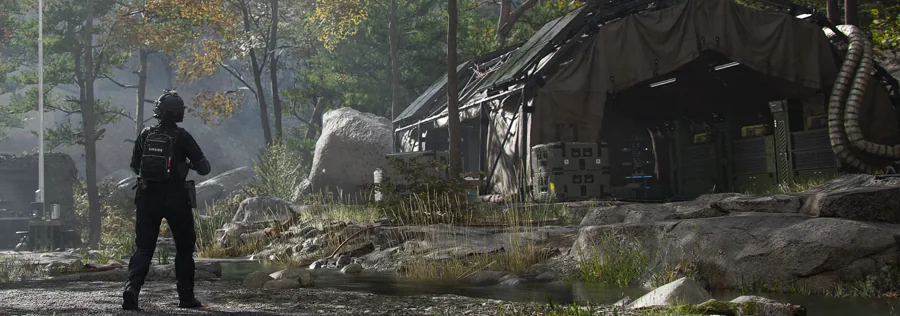
What the Stash holds
The official FOB overview describes the Stash as the place for inventory items between deployments. Game Rant’s FOB guide lists weapons, gear, consumables, valuables, special items and 3D Printer ingredients among the stored categories.
That breadth is useful, but it does not mean every item has equal value. The Stash is a preparation pool, not a score counter. Keep the next run’s needs visible instead of filling it with every low-value object.
Stash versus Operator backpack
| Location | Scope | Main risk |
|---|---|---|
| Stash | Persistent FOB inventory outside individual Operator kits | Filled with low-value items if not curated |
| Operator backpack | Individual Active Duty Operator | Carried items can be lost in a failed deployment |
| Operator loadout | Individual weapon and equipment kit | Gear is committed to the run |
| Secure Slots | Limited protected backpack area | Only selected finds are protected |
Expanding capacity
Ranking up the DMZ Player Level can increase the Stash size. Bank Upgrades and other FOB progression systems may also affect preparation capacity. The reviewed sources do not provide an exact initial slot count or a neat capacity table for every level.
When the Stash is full, decide by future use: a recipe or rare ingredient that opens a crafting option can outrank a duplicate low-tier weapon. Diamond-marked valuables can be sold at the FOB according to IGN’s beginner guide.
Moving items between Stash and deployment
Prepare the Operator’s loadout and backpack at the FOB, then deploy. A successful extraction returns the operator to the base and preserves the recovered items according to the extraction rules; a failed run affects what was carried.
That boundary is why the loadout guide treats high-value gear as a decision, not an automatic best choice. Bringing the strongest object every time can turn a bad run into a larger loss.
A simple full-Stash routine
- Empty the Operator backpack into the Stash after a successful run.
- Sell or spend diamond-marked valuables that have no crafting role.
- Keep the recipes, manuals and materials needed for the next planned upgrade.
- Move essential equipment back into the Operator’s loadout before deploying.
- Leave high-value finds in Secure Slots rather than a normal backpack slot when possible.
Common questions
Does the Stash survive a failed deployment?
The Stash is the persistent FOB store for items between deployments. A failed deployment risks carried gear and backpack contents; the stored inventory is not described as part of that loss.
How many items can the Stash hold?
The reviewed sources say capacity can be upgraded by ranking up, but they do not provide the full slot count or each capacity increase.
Sources and scope
This guide is editorial research based on published sources, not a first-hand playtest or official endorsement. Launch material was checked on .
Launch inventory scope, checked 23 October 2026. The exact starting grid and per-level capacity increase are not documented in the reviewed packet.
- Official MW4 DMZ overviewOfficial / store
- Official DMZ deep diveOfficial / store
- Official FOB guideOfficial / store
- Game Rant: MW4 DMZ FOB stationsReference
- IGN: MW4 DMZ beginner guideReference
- MMOexp: MW4 DMZ first-run and loot guideReference